Plain Markdown
Notes are .md files in a folder. Use git, sync the folder and open them in any editor.
Boards, calendars and charts, and every note stays a plain Markdown file.
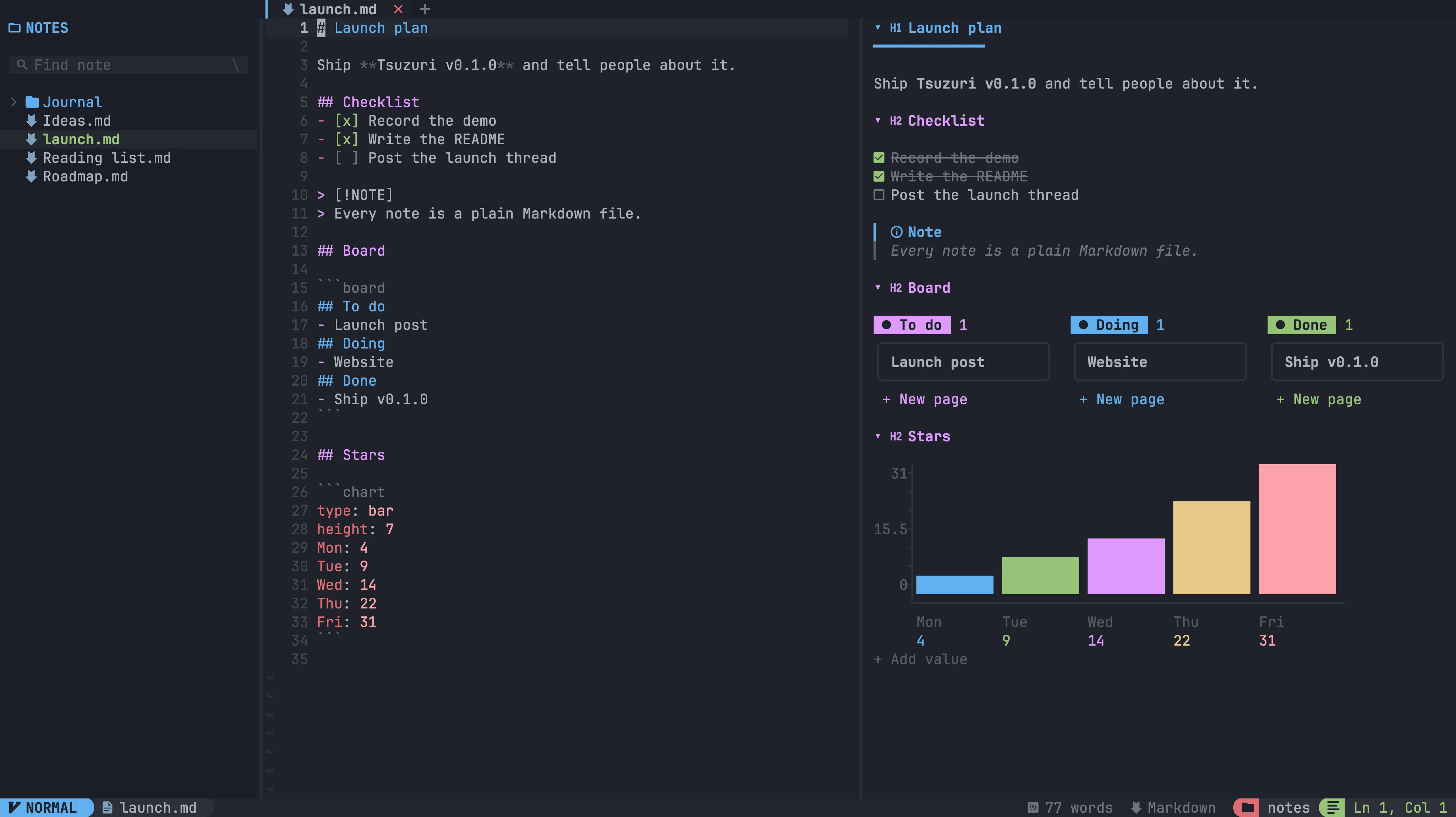
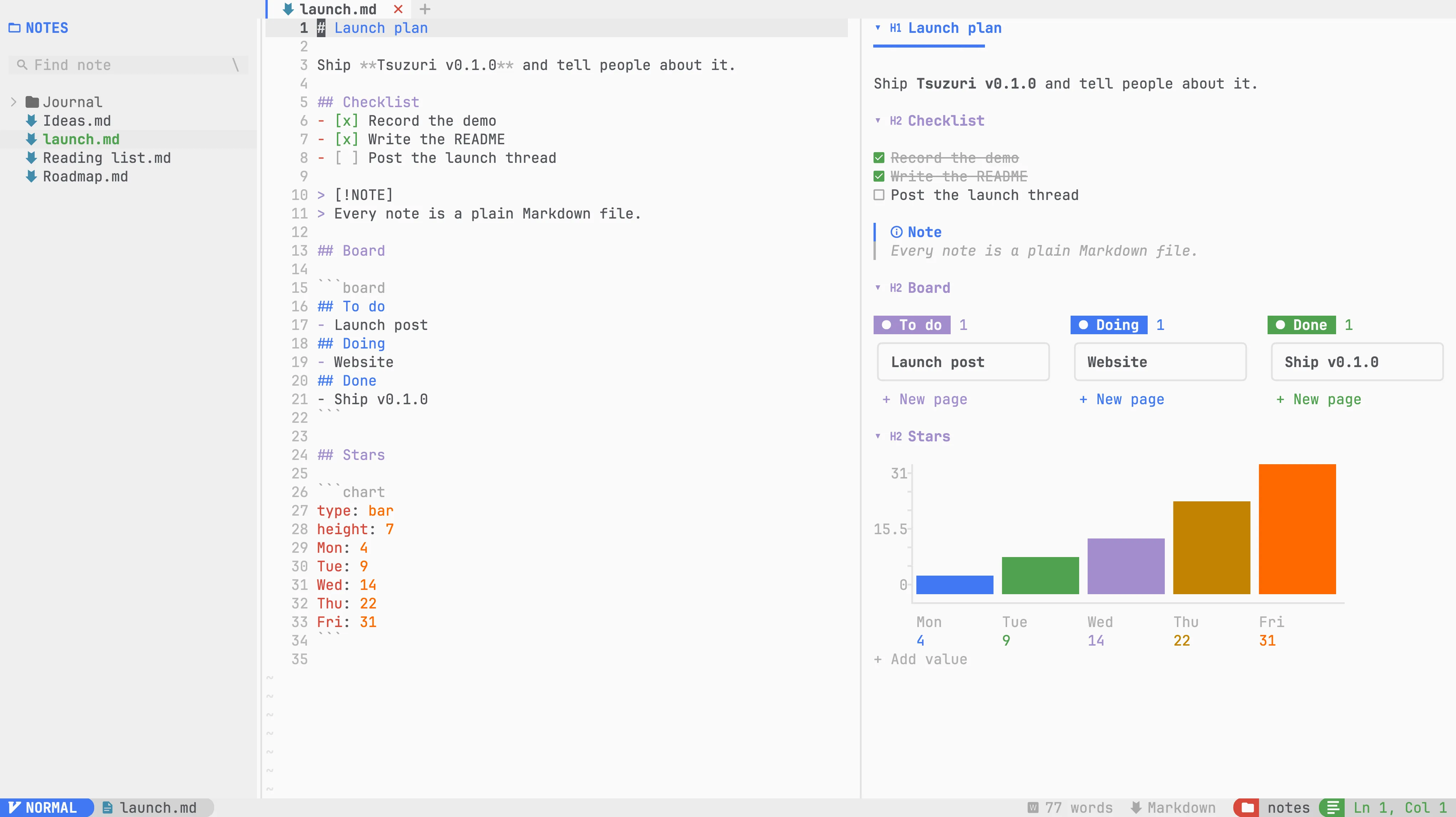
Notes are .md files in a folder. Use git, sync the folder and open them in any editor.
Headings, to-dos, tables, callouts, code and images from one menu. No syntax to remember.
Kanban boards, calendars and timelines written as text and editable from the preview.
Bar, line, pie and donut charts drawn as pixel art, plus forms that save their answers.
Syntax highlighting, foldable sections, images and cover banners, drawn in the terminal.
Light and dark themes. The whole app re-colours as you scroll through the picker.
Modal editing, tabs and a file explorer, with full mouse support when you want it.
Find any note by its name or by a word inside it, across the whole workspace.
No runtime and no account. One download for macOS, Linux or Windows.