Themes
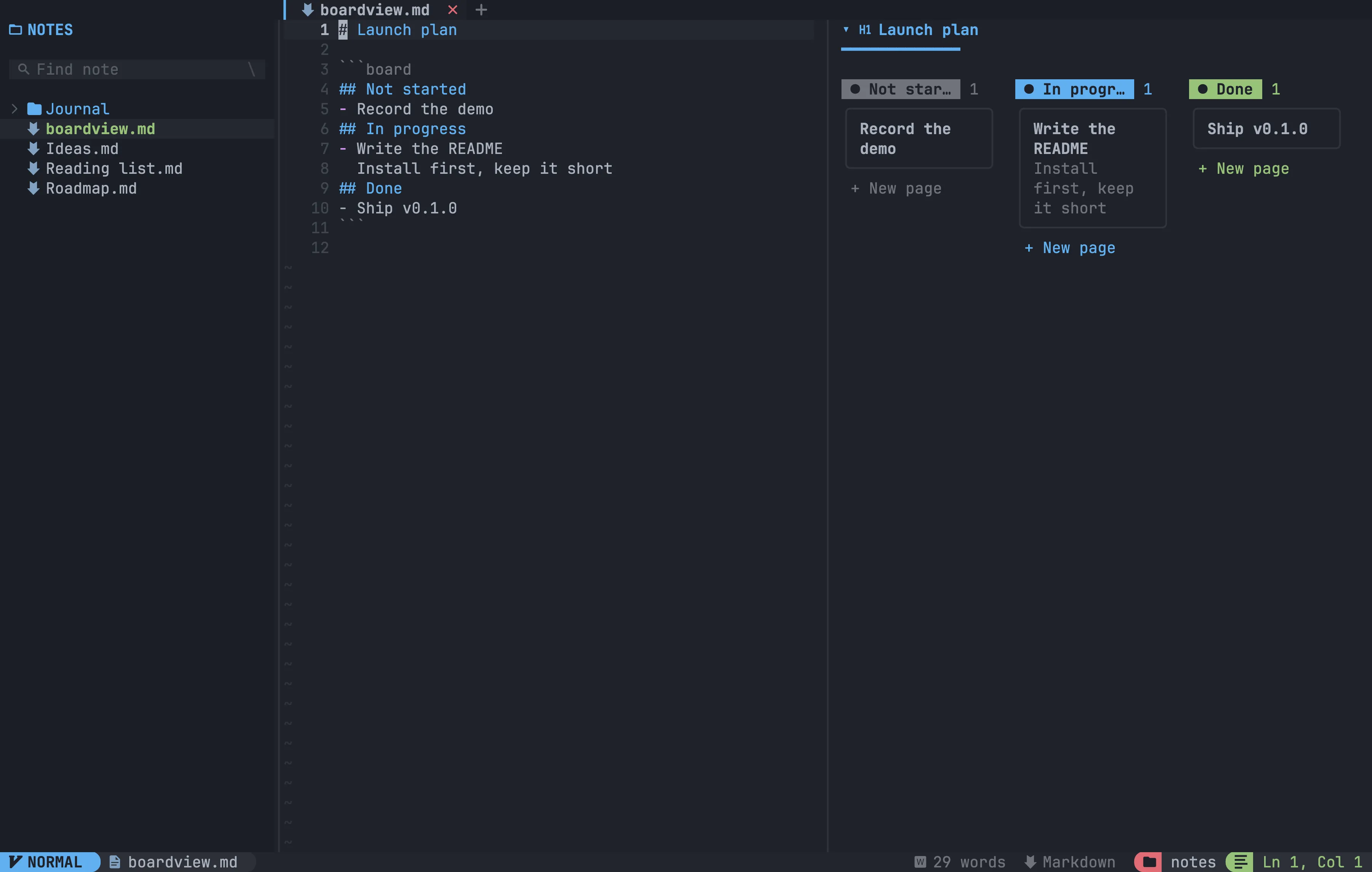
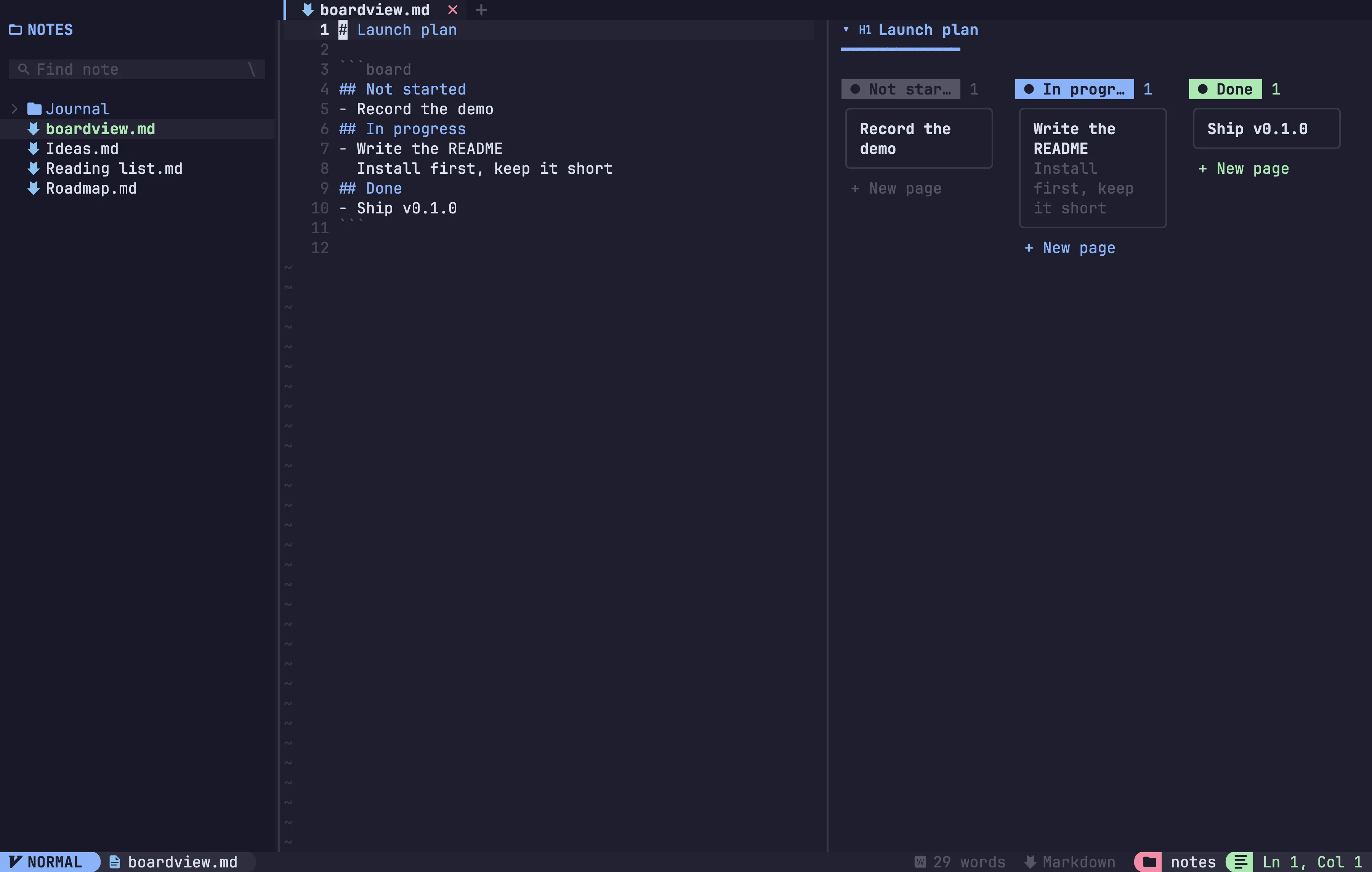
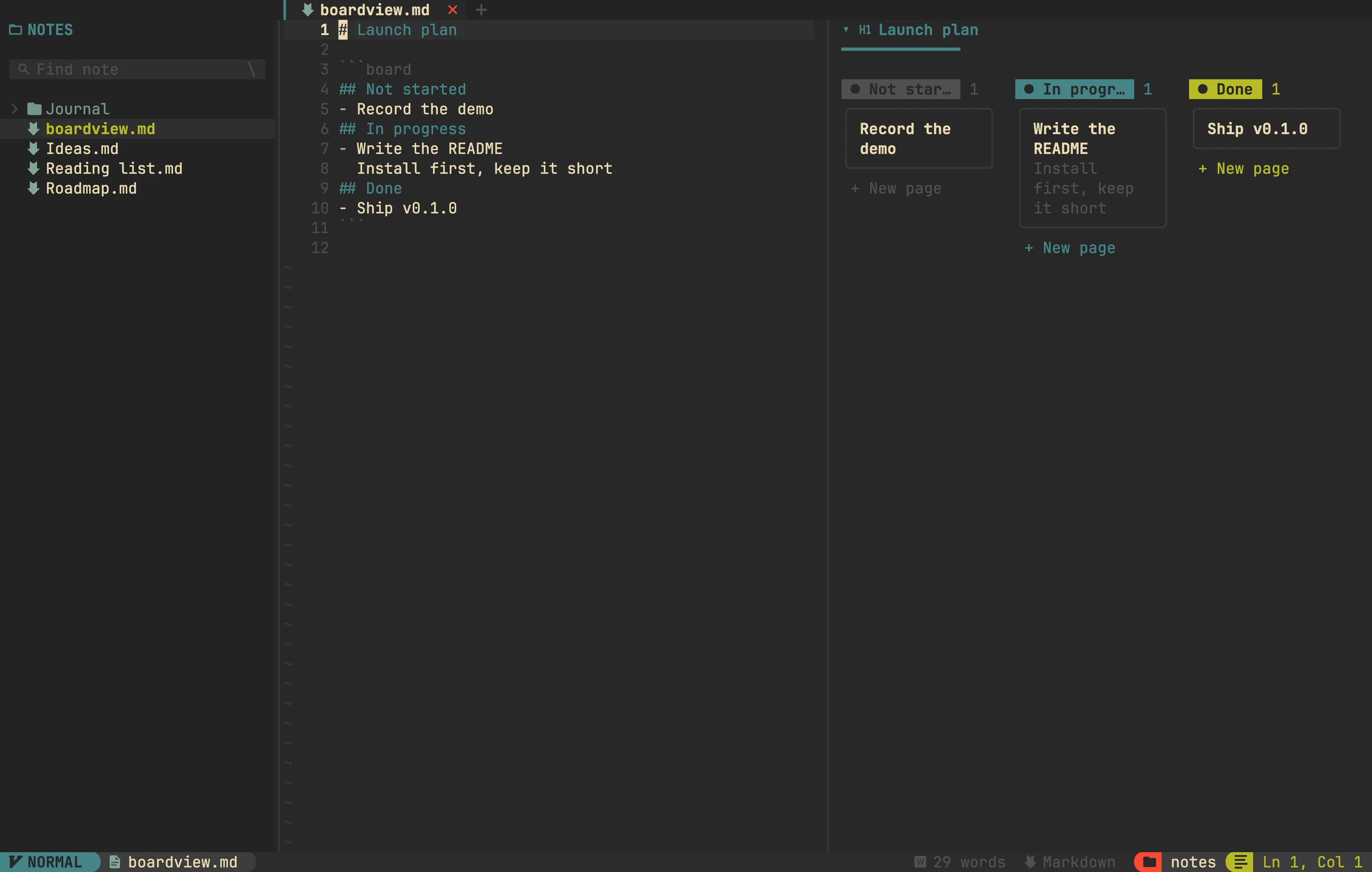
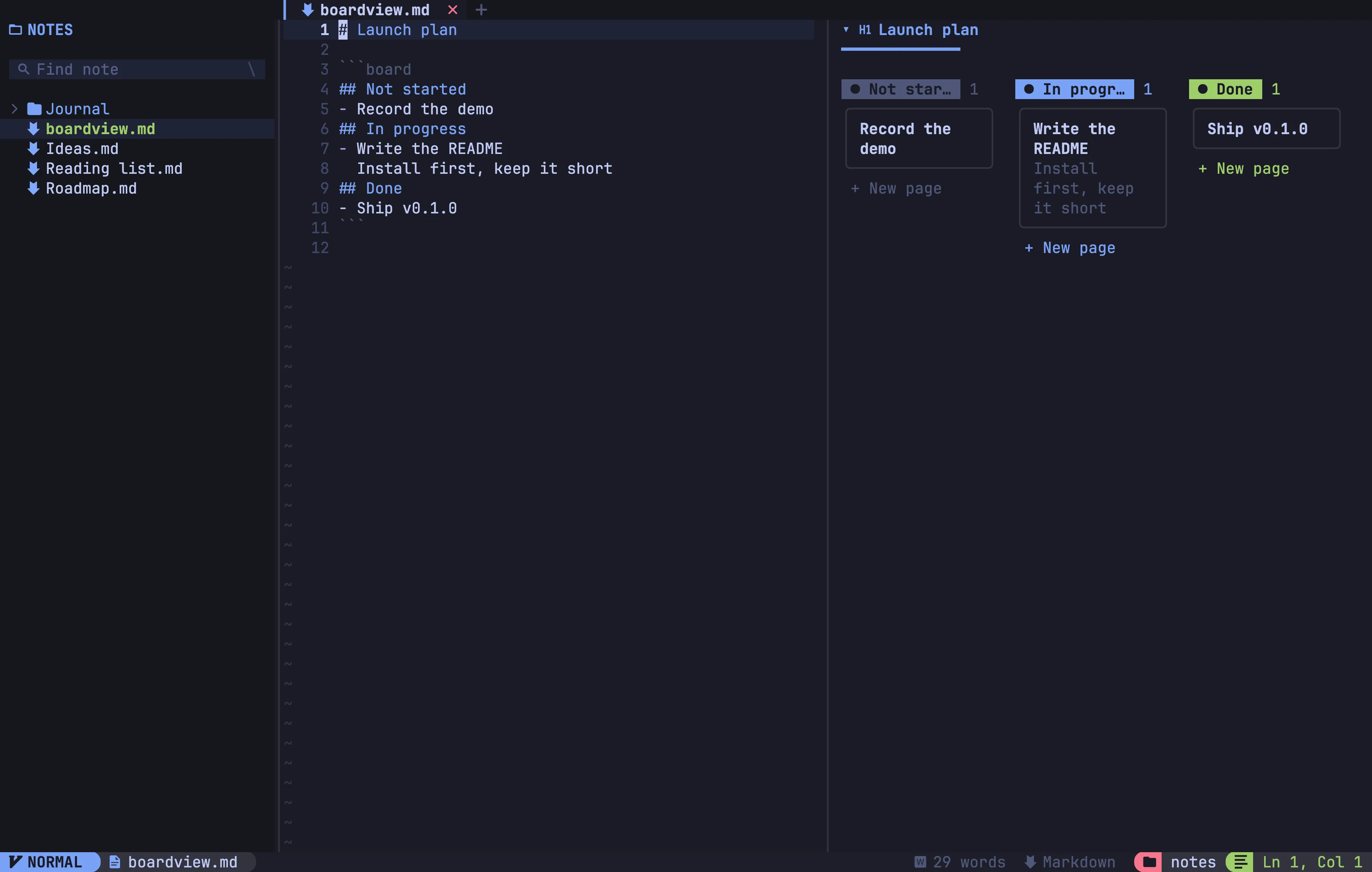
Tsuzuri ships 97 colour themes, both dark and light. The whole app uses the theme: editor, preview, explorer, tabs and statusline.
Switching themes
Section titled “Switching themes”Press Space t to open the theme picker. Move through the list and the app re-colours as you go; press Enter to keep a theme or Esc to go back to the one you had.
You can also use a command:
:colorscheme <name>:colo and :theme do the same. Your choice is saved and used next time.
From the command line
Section titled “From the command line”tsuzuri --list-themes # print every theme nametsuzuri --theme <name> # use a theme for this session onlyThe default theme is onedark.
Your own themes
Section titled “Your own themes”Drop a JSON palette into the themes folder of your user config directory:
- Linux:
~/.config/tsuzuri/themes/<name>.json - macOS:
~/Library/Application Support/tsuzuri/themes/<name>.json - Windows:
%APPDATA%\tsuzuri\themes\<name>.json
The file name is the theme name. It shows up in the picker and in
--list-themes next time you start Tsuzuri. A bundled theme with the same name
wins.
{ "light": false, "fg": "#d8dee9", "bg": "#2e3440", "darker_bg": "#242933", "line": "#3b4252", "blue": "#88c0d0"}The full list of keys is fg, bg, bg2, darker_bg, one_bg, one_bg2,
one_bg3, grey, grey_fg, grey_fg2, light_grey, line, red, pink,
green, nord_blue, blue, yellow, purple, dark_purple, teal,
orange, cyan, status_bg, light_bg and folder, plus light for light
themes. fg and bg are required.